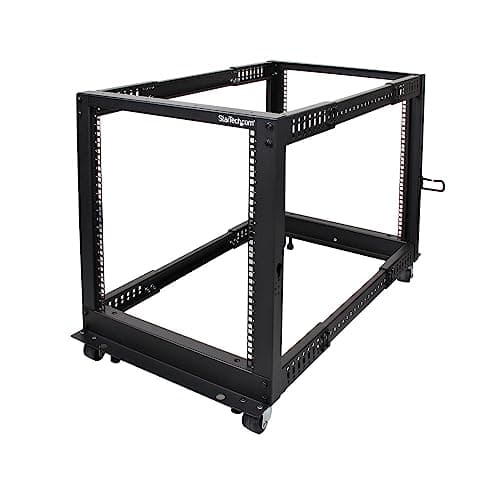
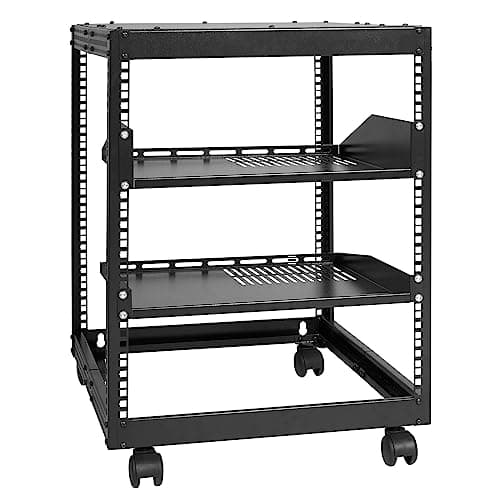
The verdict first: a 12U open-frame rack, adjustable depth, on the floor. It costs under a hundred dollars, it runs cooler than anything enclosed, and it will hold everything a first homelab contains with room for the two things you have not bought yet.
The three specifications that matter, in order:
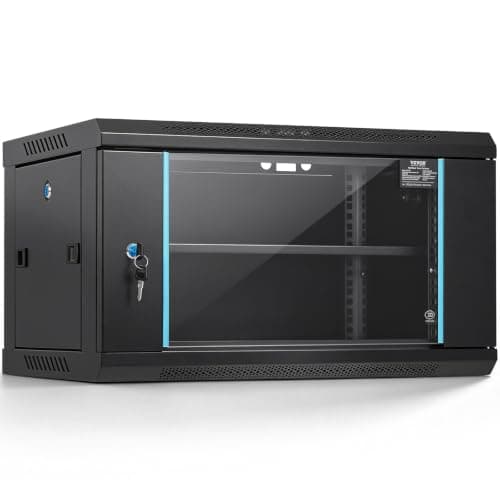
- Depth. Measure your deepest piece of equipment and add four inches for cabling. This is the one that ends first-rack purchases — a shallow wall cabinet will not take a full-depth server and no amount of wishing changes that.
- Rack units. One U is 1.75 inches. Count what you have, double it, and buy that. Racks fill in a way that surprises everyone.
- Rail type. Square-hole rails with cage nuts is the modern standard. Threaded rails exist and are older; check which yours is before buying screws.
Open frame versus enclosed cabinet
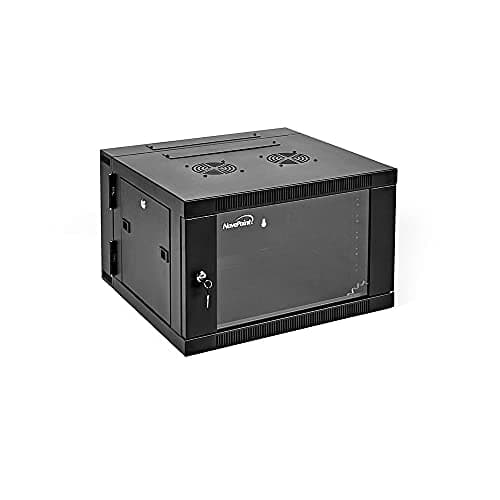
Open frame wins for almost every home installation and it is not close. It is a fraction of the price, it has no thermal problem at all, and every side of every device is reachable without unbolting anything.
There are exactly two good reasons to buy an enclosure: dust, if the rack lives in a workshop or a garage, and small children, if the rack lives anywhere they do. Both are real. Neither is "it looks tidier", and an enclosure bought for looks is an enclosure that now needs fans.
What actually mounts in a rack, and what does not
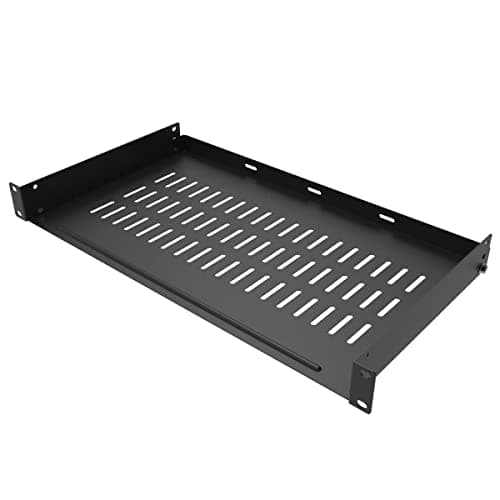
Almost nothing in a homelab has rack ears. A managed switch will. A rack UPS will. A NAS, a mini PC, a modem and a Raspberry Pi will not, and that is what a vented cantilever shelf is for. Budget for one or two shelves in your U count — most people forget and then discover their rack is half a shelf short.
Power comes into the rack once
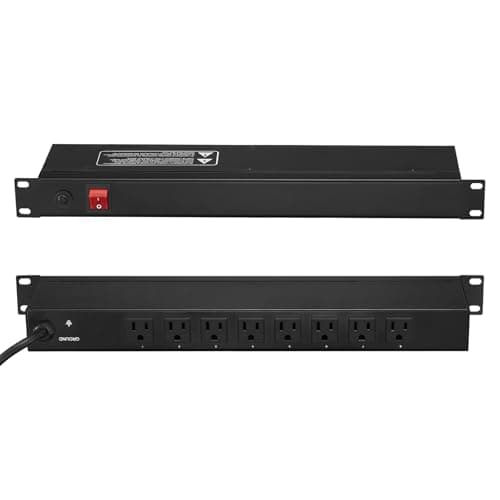
A 1U PDU across the back gives every device a socket at a known height and sends one cord out of the rack instead of eight. It is a twelve-dollar-a-year idea that makes every future change easier, and it is the difference between a rack and a pile of extension leads.
The UPS that feeds it is a separate decision with its own arithmetic — UPS sizing for a homelab covers it, and it is worth reading before you buy either.
Blanking panels: only if it is enclosed
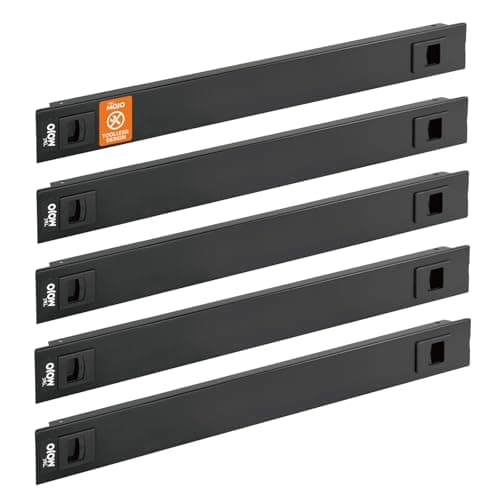
In a cabinet with a front-to-back airflow path, an empty rack unit lets hot exhaust air loop straight back around to the intakes. Blanking panels close that path and they are doing real thermal work.
In an open frame they do essentially nothing thermally. There is no airflow path to protect. They will make the rack look finished, and that is a legitimate reason to buy them as long as you know that is what you are buying.
Plan the U layout before you mount anything
Heaviest at the bottom — a UPS on the floor of the rack, always. Then the patch panel and the cable manager, then the switch directly beneath the panel so patch cables can be a foot long. Shelved equipment above that.
This layout is not aesthetic. It puts the heavy things low so the rack cannot tip, and it puts the patch panel and the switch adjacent so the twenty-four cables between them never become a problem. The termination side of that is on the patch panel page.
Buying notes
Get the thread right
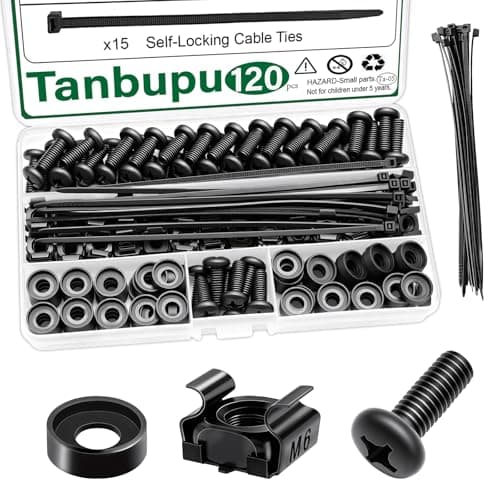
M6 cage nuts are the common modern standard, but 10-32 and 12-24 threaded racks exist and are still sold. Ordering the wrong hardware is the classic first-rack afternoon-ruiner. Check the rack's listing, then buy a hundred-plus pack of the right one — you will drop a third of them.
Casters are worth more than they look
You will work behind the rack far more often than you expect. A rack you can roll away from the wall turns that from a contortion into a two-minute job.
Noise is a specification nobody lists
Enterprise gear sold cheaply on the used market is cheap because it is loud. A 1U server with 40mm fans is genuinely unpleasant to live near. If the rack shares a floor with bedrooms, prefer mini PCs and fanless switches over rack-mount enterprise hardware, however good the price looks.
Where the money should actually go
- The switch, if you are segmenting — see the segmentation page.
- A UPS, because the rack contains data.
- The rack itself, which is a frame and does not need to be expensive.
- Cable management, which is cheap and repays itself immediately.
A five-hundred-dollar rack under two hundred dollars of equipment is the wrong way round, which is why the glass-fronted cabinet is the skip pick above.