The problem, stated plainly. On a normal home network, everything can talk to everything. Your smart plug can reach your NAS. A guest's laptop can reach your printer. A camera made by a company you have never heard of can reach your work machine.
Nothing about that is theoretical. The devices most likely to be compromised in a house are the cheap ones with firmware nobody updates, and they are sitting on the same network as the devices with your data on them.
Segmentation is the fix, and it is genuinely achievable for about twenty-five dollars plus an evening.
What a VLAN actually is
A VLAN is a way of telling one physical switch to behave like several separate switches. A device on VLAN 20 cannot reach a device on VLAN 30, even though both cables plug into the same box — the switch simply will not carry the traffic between them.
It is a standard, not a vendor feature: IEEE 802.1Q adds a tag to each Ethernet frame saying which network it belongs to, and switches honor it. Any switch advertising "802.1Q VLAN" can do this.
The part people miss: the switch keeps traffic apart, but something has to decide what is allowed between the networks. That is the router's firewall, and it is why a VLAN-capable switch alone does not give you segmentation. You need both.
The four networks a house actually needs
Not twelve. Four covers the real threat model, and more than that becomes a system you stop maintaining.
- Trusted. Your computers, your phones, your NAS. Full access to everything, including the internet.
- IoT. Smart plugs, bulbs, TVs, doorbells, thermostats. Internet access only. Cannot initiate connections to anything else. This is the single highest-value rule on the list.
- Guest. Internet only, isolated from everything including each other. Give people the password without giving them your house.
- Management. The switch, the access points, the router's admin interface. Reachable only from Trusted. Optional, and it is what separates a segmented network from a well-segmented one.
Cameras deserve a mention. If your cameras record to a local NVR and do not need the internet, put them on their own network with no internet access at all. That is the most restrictive rule most households can actually live with, and it is very effective.
What you need to buy
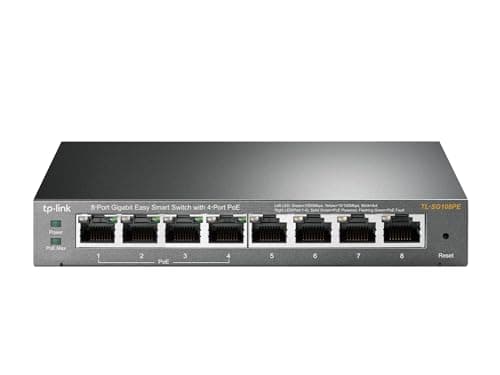
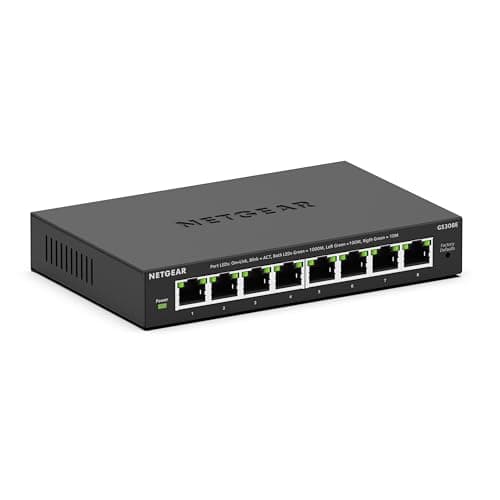
- A managed switch that does 802.1Q. Twenty-four dollars is genuinely enough.
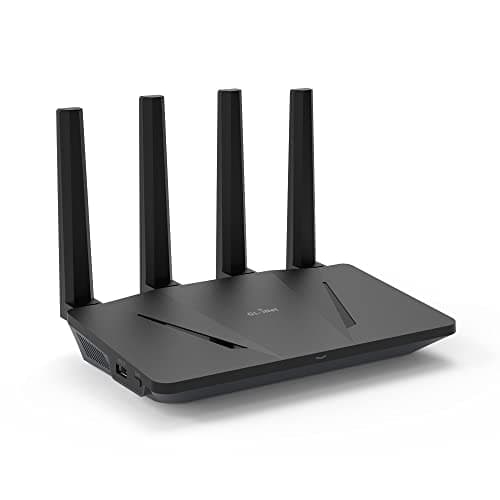
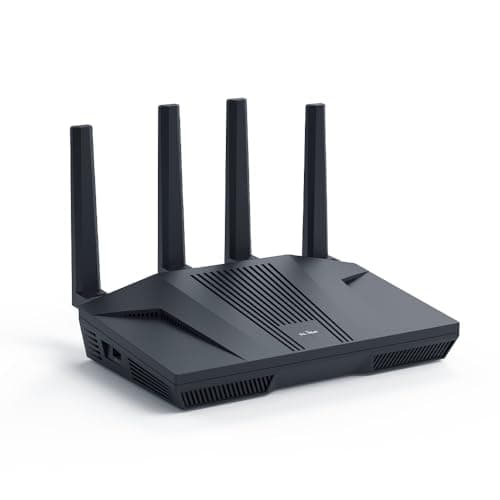
- A router that can firewall between networks. Most ISP-supplied routers cannot. This is usually the piece that has to change.
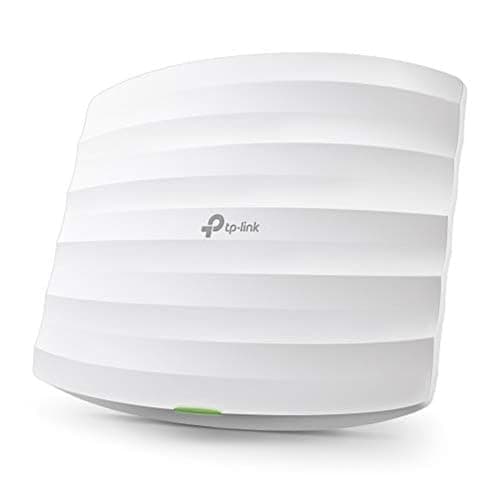
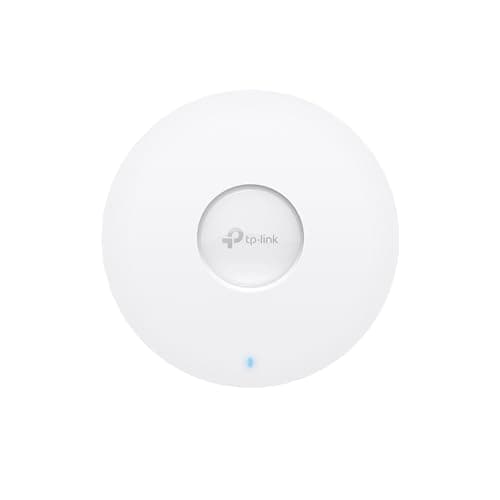
- An access point that maps SSIDs to VLANs, so a device joins the right network by joining the right Wi-Fi name. Without this, segmentation only exists on the wired side, and almost nothing in a modern house is wired.
The order to do it in
- Set up the router's networks and firewall rules first, with nothing connected.
- Configure the switch: which port carries which VLAN, tagged or untagged.
- Add the access point and map an SSID per network.
- Move devices over one group at a time, starting with guest, which nobody complains about, and finishing with IoT, where everything that breaks will break.
Expect things to break. Chromecasts, printers and smart speakers rely on discovery protocols that do not cross networks by design — that is the feature working. The fix is a specific allowance (mDNS reflection, or a targeted firewall rule), not abandoning the whole project.
Buying notes
Start at twenty-four dollars, not five hundred
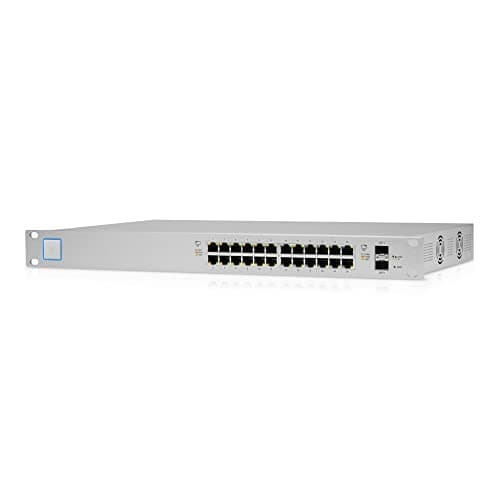
An eight-port smart managed switch does real 802.1Q tagging. Learn on that. The integrated ecosystems are excellent and they are a decision to make after you know you enjoy this, not before — which is why the twenty-four-port enterprise switch is the skip pick above.
Buy PoE earlier than you think
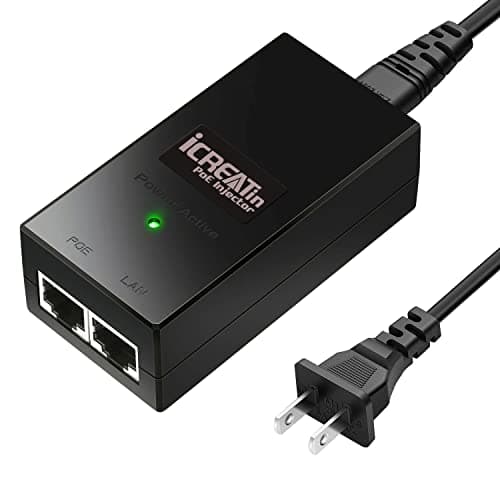
If access points or cameras are anywhere in the plan, a PoE switch saves you an injector and a power outlet per device. Check the PoE budget in watts against what your devices actually draw — Wi-Fi 6 and 7 access points are hungrier than the older ones, and the budget is where cheap PoE switches run out first.
The router is usually the blocker
Most ISP routers cannot do VLANs or inter-network firewall rules at all. If yours cannot, that is the purchase to make first — the switch is useless for segmentation without something that can enforce policy between the networks.
Wi-Fi is where segmentation succeeds or fails
Almost every device you want to isolate is wireless. An access point that maps each SSID to a VLAN is what makes the whole design real. Without it you have segmented the four cables in your house and nothing else.
Write it down
VLAN numbers, subnets, which port is which, and which SSID maps where. In six months you will not remember, and an undocumented segmented network is worse than a flat one because nobody — including you — can safely change anything.